Create a table with formatting applied to the selected area.
Create Table
- Open a document you want to create a table.
- Select an area and then click Data-Table.
- In the Insert Table dialog box, select the range of data to use in the table.
By default, the data area you have select is diaplayed in the input box. - Choose whether to Include Headings.
If you select Include Headings, the table format is applied by specifying the first column of the selected area as a header. If you do not select it, a new header row is added.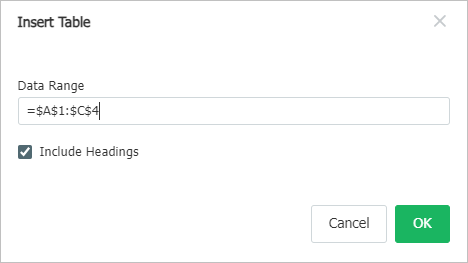
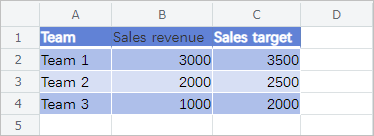
- Click OK to specify the selected area as a table and to apply table format.
Was this article helpful?
That’s Great!
Thank you for your feedback
Sorry! We couldn't be helpful
Thank you for your feedback
Feedback sent
We appreciate your effort and will try to fix the article